Talk to Mitsubishi PLCsin just a few lines.
McpX is a .NET library for talking to Mitsubishi (MELSEC) PLCs over the MC protocol. Read and write device memory over TCP/UDP with an intuitive, strongly-typed API — no protocol boilerplate.
- NUGET
- 16k+
- LICENSE
- MIT
- PLATFORM
- Win · Linux · macOS
- PLC
- Q · iQ-R · iQ-F
// USE CASES
Adopted by


Using McpX? We'd love to feature you as an adoption case. Get in touch →
// WHY McpX
Simple, safe PLC communication
Easy, safe and simple. An intuitive, strongly-typed API that implements PLC communication in minimal code.
An intuitive, type-safe API
Just name a type and a count. Generic and strongly-typed, so a bool stays a bool and a short stays a short — wrong types or addresses are caught, and you communicate safely in simple code.
Safety from tests & architecture
An MSTest suite that verifies MC protocol request/response packets at the byte level (~79% coverage). An interface-driven, layered design and typed exceptions catch invalid input early.
Free, open source, any OS
MIT-licensed open source — no license fees, and commercial use is fine. Native .NET, so unlike Windows-only MX Component it runs as-is on Linux, macOS and Raspberry Pi.
How it compares to MX Component
| Feature | McpX | MX Component |
|---|---|---|
| License cost | Free (MIT, OSS) | Paid |
| Operating systems | Linux / Windows / macOS | Windows only |
| Implementation | Native .NET | Windows-component dependent |
| Install | Add from NuGet | Installer / licensing |
| Source code | Open (GitHub) | Closed |
* A general comparison based on publicly available information.
// CAPABILITIES
Everything you need for PLC communication
Focused yet complete, with an intuitive API. Because it imposes no particular design, McpX blends flexibly into all kinds of systems — monitoring, control, logging — and fits naturally as part of your own app.
Ranges and scattered devices, one builder
Give a point count and it is a batch access; leave it out and it is a random access. Put consecutive ranges and scattered devices in the same builder and McpX picks the right command for each. No more choosing a method per access pattern. If the target supports it, several ranges can also go out in one request with multiple block batch access.
short[] block = [];
int  total   = 0;
bool running = false;

// With a point count → batch access, without → random access
mcpx.Read(b => b
    .Add<short>(Prefix.D, "400", 100, v => block = v)
    .Add<int>(Prefix.D, "2000", v => total = v)
    .Add<bool>(Prefix.M, "10", v => running = v));

mcpx.Write(b => b
    .Add<short>(Prefix.D, "500", [1, 2, 3])
.Add<bool>(Prefix.M, "20", true));No PLC on your desk? Use the simulator
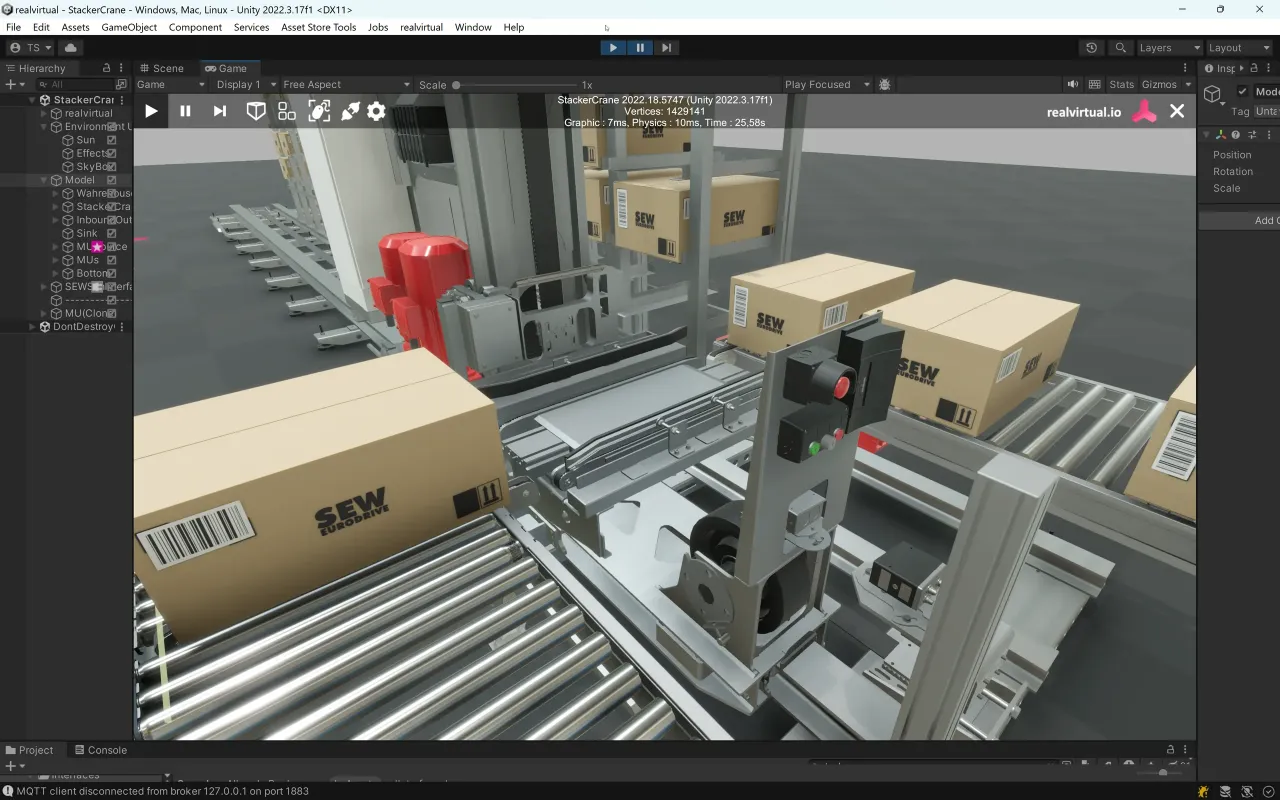
McpXSimulator connects to GX Simulator3 from just a system No. and a CPU No. The read/write API is the same as for a real PLC, so development and testing can go ahead without hardware. When you move to the real PLC, you only swap the connection for McpX.
// Connect to system 1, CPU 1 (127.0.0.1:5511)
using var sim = new McpXSimulator();

// The read/write API is the same McpX you use with a real PLC
sim.Write(b => b
    .Add<short>(Prefix.D, "100", 123)
    .Add<bool>(Prefix.M, "0", true));

short d100 = sim.Read<short>(Prefix.D, "100");

// Connect to another simulator at the same time (port 5521)
using var sim2 = new McpXSimulator(systemNo: 2);
Other commands
| Command | Description | Methods |
|---|---|---|
| Single read/write | Read or write one device as the type you specify. | Read<T>/Write<T> |
| Batch read/write | Read or write thousands of consecutive devices in one call, split automatically past the point limit. | BatchRead<T>/BatchWrite<T> |
| Random read/write | Read or write scattered devices together, routed to bit / word / double word by type. | RandomRead(build)/RandomWrite(build) |
| Multiple block read/write NEW | Read or write several separate consecutive ranges in one request. | BlockRead(build)/BlockWrite(build) |
| Monitoring | Register devices once, then just call Read() for the latest values. | MonitorRegist(build)/MonitorSession.Read() |
| Remote operation NEW | RUN / STOP / PAUSE, latch clear and reset the CPU module from code. | RemoteRun/RemoteStop/RemotePause/RemoteLatchClear/RemoteReset |
| String read/write | Read or write device values as Shift_JIS strings. | ReadString/WriteString |
Every command also has an async/await ~Async variant.
NO LIMITS
Point limits and word counts, handled
The MC protocol caps how many points a single batch can carry. McpX splits packets automatically when you exceed it, and computes the word count each type needs — so you never think about protocol limits.
SECURITY
Remote password, handled for you
Pass the password to the constructor and McpX locks and unlocks the remote password automatically around your session.
// USE CASES
What you can build with McpX
Representative use cases where McpX fits.
Use cases
Real-time monitoring dashboard
Register the devices you care about and poll their current values, surfacing status and alarms on a live web dashboard.
Communication layer for SCADA software
Build the PLC communication layer of a SCADA app on McpX — strongly-typed reads and writes give tag polling and control commands a stable foundation.
PLC ↔ server over MQTT
Build a gateway that reads device values from the PLC and publishes them to a server over MQTT — lightweight delivery of floor data to the cloud via a broker.
Automated testing & CI for PLC software
Verify PLC program I/O from code: automate write-then-read-back assertions on device values and wire them into your CI pipeline. Connect to GX Simulator3 and the tests run without a physical PLC.
// PLATFORMS
Broad platform & protocol support
Targets modern .NET back to .NET Framework on every major OS — generic over 9 data types and 28 device kinds.
Frameworks
Operating systems
Supported PLCs
Protocols & frames
Data types
Device types
// QUICK START
Up and running in two steps
1 · Install the package
dotnet add package McpX2 · Read & write device memory
using McpXLib;
using McpXLib.Enums;

// With password, the remote password is unlocked on creation and locked on dispose
using (var mcpx = new McpX("192.168.12.88", 10000, password: "1234"))
{
    short[] block = [];
    int total = 0;

    // Read a range (with a point count) and single devices in one call
    mcpx.Read(b => b
        .Add<short>(Prefix.D, "400", 100, v => block = v)
        .Add<int>(Prefix.D, "2000", v => total = v));

    // Write arrays (batch) and single values (random) in one call
    mcpx.Write(b => b
        .Add<short>(Prefix.D, "500", [1, 2, 3])
        .Add<bool>(Prefix.M, "20", true));
}
Want to understand how the MC protocol works underneath? MC Protocol Guide →
// AI SKILLS
Available nowBoost your development with AI
The McpX AI skill is available. It teaches models like Claude the accurate McpX API, accelerating everything from implementing to reviewing PLC communication code.
View the skillImplement from a prompt
From plain requests like “read a D register from a MELSEC PLC” or “write code to talk to a Mitsubishi PLC in C#”, it generates the implementation — connection setup, using statements, explicit types and all.
AI knows the exact API
Connection settings, device addressing (Prefix + address), read/write and exception handling — the skill supplies McpX’s accurate spec, so the AI writes correct code, not guesses.
// PROJECT HEALTH
Built to adopt with confidence
Developed and maintained in the open, with the groundwork production needs.
Actively maintained
Updated continuously with a public CHANGELOG; issues and requests are handled on GitHub.
Verified by CI
Every change is built and tested — byte-level tests validate the protocol frames.
Wide targets & AOT
From .NET Framework to the latest .NET 9, including Native AOT.
Shipping steadily since 2024 — features in minor releases, fixes in patches.
// ROADMAP
What's next
We keep adding features that make McpX easier to use in the field.
- SHIPPED · v0.10
GX Simulator3 support
McpXSimulator connects to the simulator, so you can verify behavior without physical PLC hardware.
- SHIPPED · v0.9
Unified access interface
Read / Write now unify random access and contiguous addresses in one builder — no more switching methods per access pattern.
- PLANNED
Label access
Access global labels on iQ-R / iQ-F series controllers.
- PLANNED
Higher test coverage
Continuously expand the test suite to push coverage even higher.
// GET STARTED
Jump right in
Add the package, point it at an IP, and your first read/write runs in a few lines. Free, MIT-licensed, commercial use included.